VPS SSD NVMe

Discover our VPS SSD NVMe hosting, featuring ultra-fast NVMe storage and reliable KVM virtualization. Powered by Intel Xeon processors, our Linux VPS servers deliver outstanding stability and excellent performance for your applications and databases. Ideal for both small businesses and large organizations, this KVM VPS solution combines power with competitive pricing.

Intel XeonDDoS ProtectionInstant DeliveryBackupsSupport 24/7KVM virtualizationSSD RAID 10
Starting from 4.99€/month
99%satisfied customers

Our offers

Choose the plan that fits your needs

VPS SSD NVMe — Our offers

Manage your VPS SSD NVMe KVM Linux easily

Intuitive control panel for complete management of your VPS SSD NVMe hosting. Monitor resources in real-time, manage backups, and upgrade your dedicated VPS server instantly.

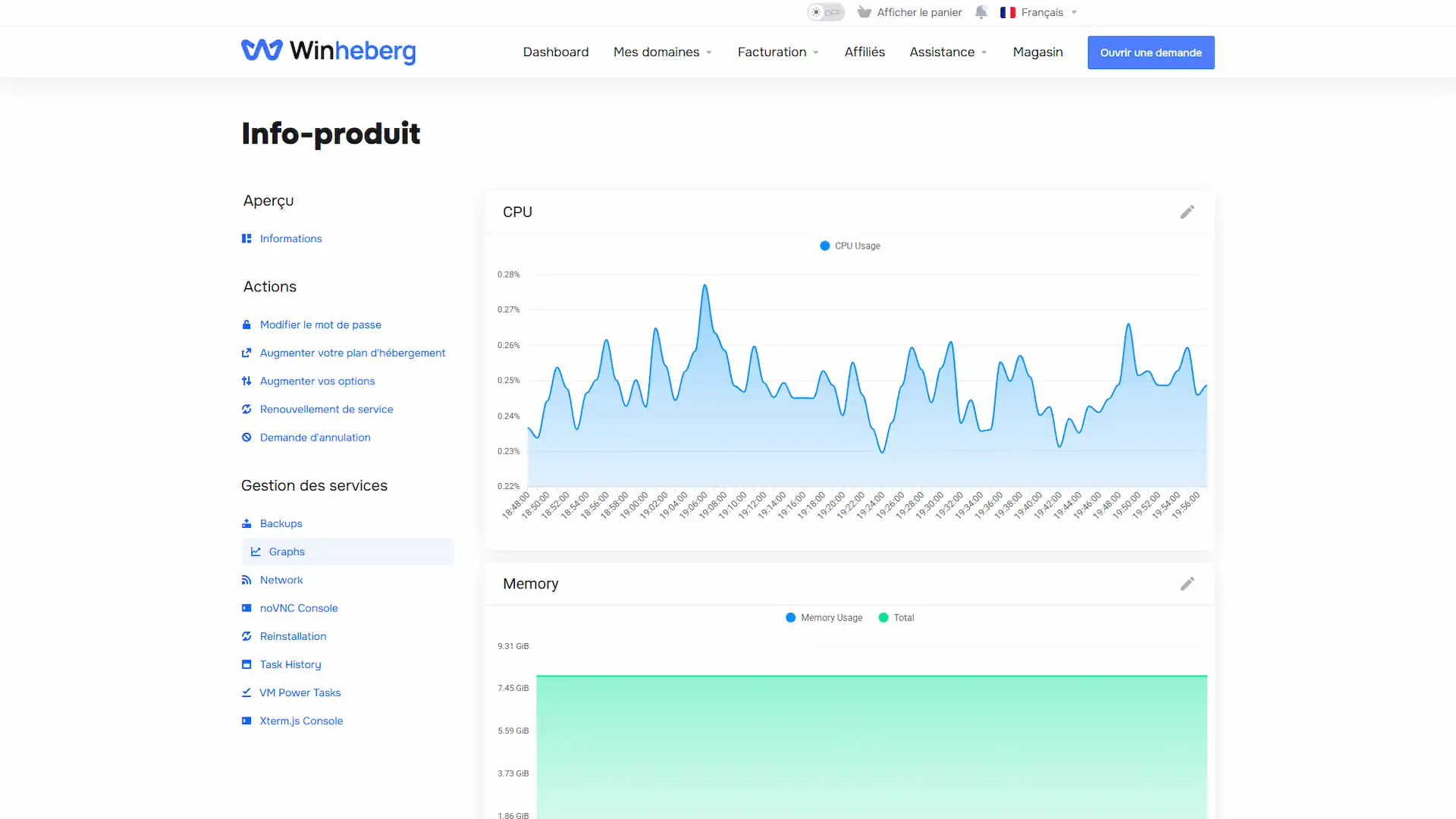
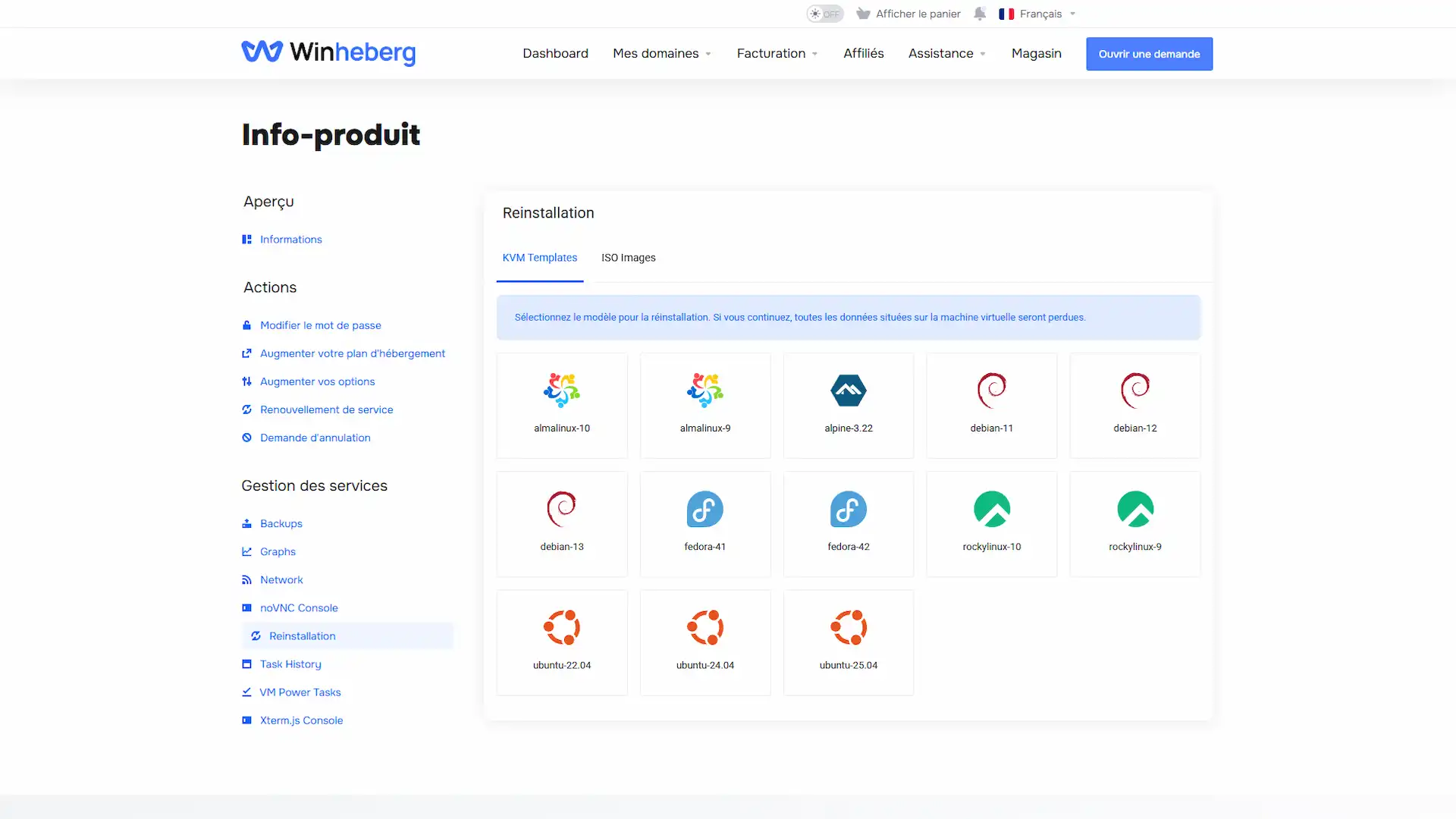
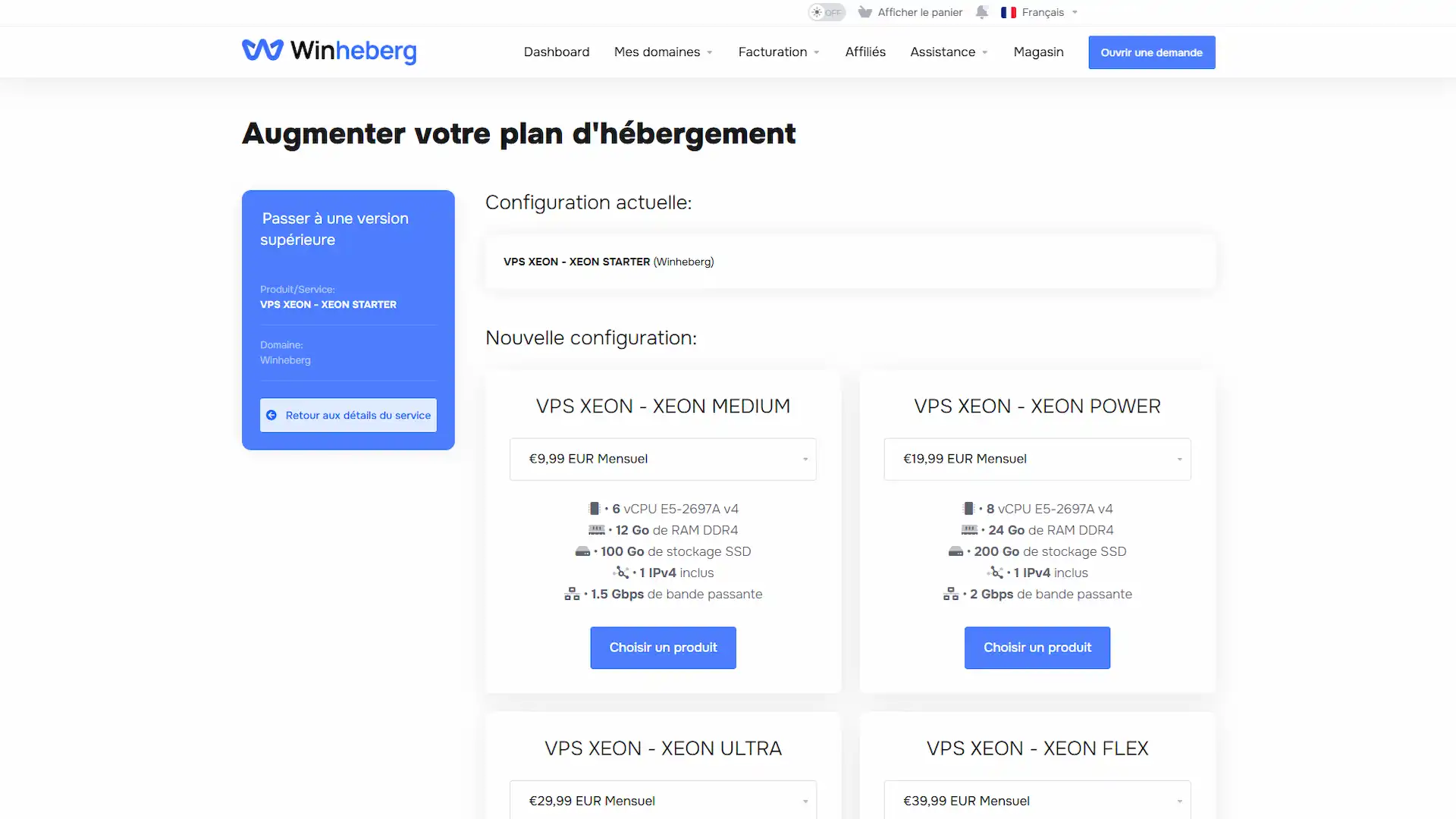
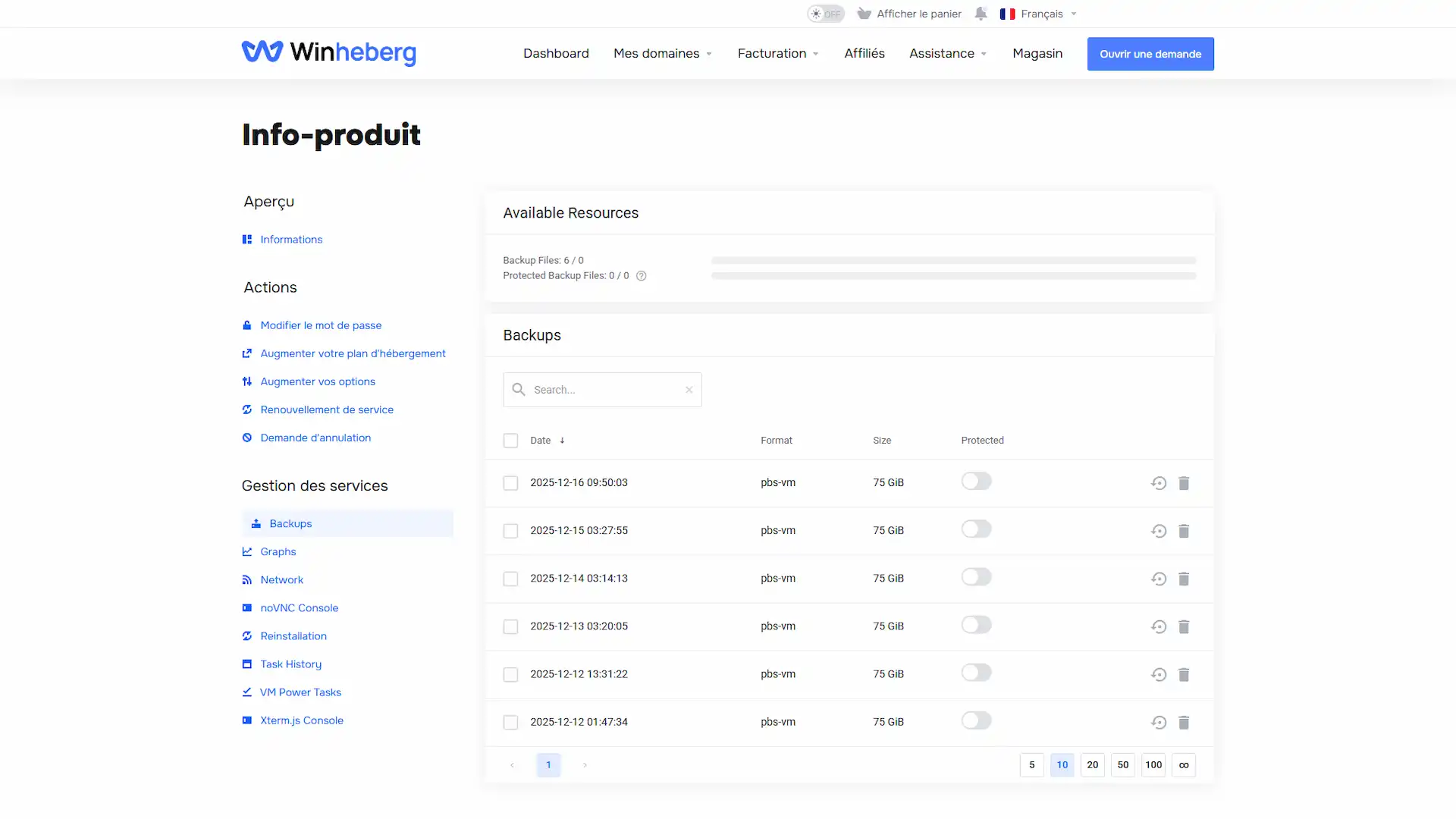
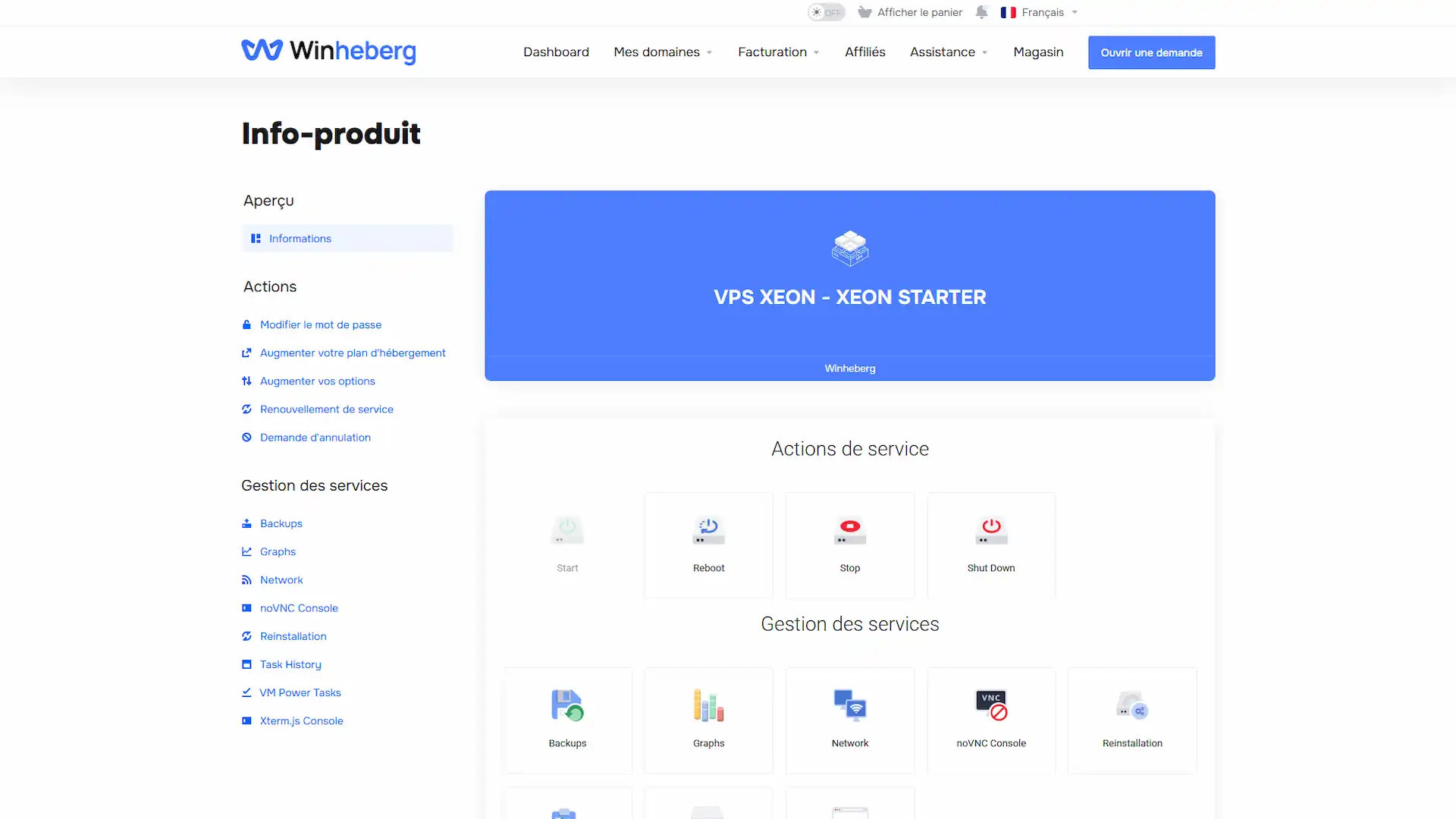
VPS Management Panel

Manage your VPS SSD NVMe from a powerful and intuitive interface. Start, stop or restart with one click, monitor live logs and keep full control over your resources from a single centralized dashboard.

PanelGraphsReinstallUpgradeBackups
VPS SSD NVMe enterprise-grade server infrastructure with Intel Xeon processors for mission-critical applications

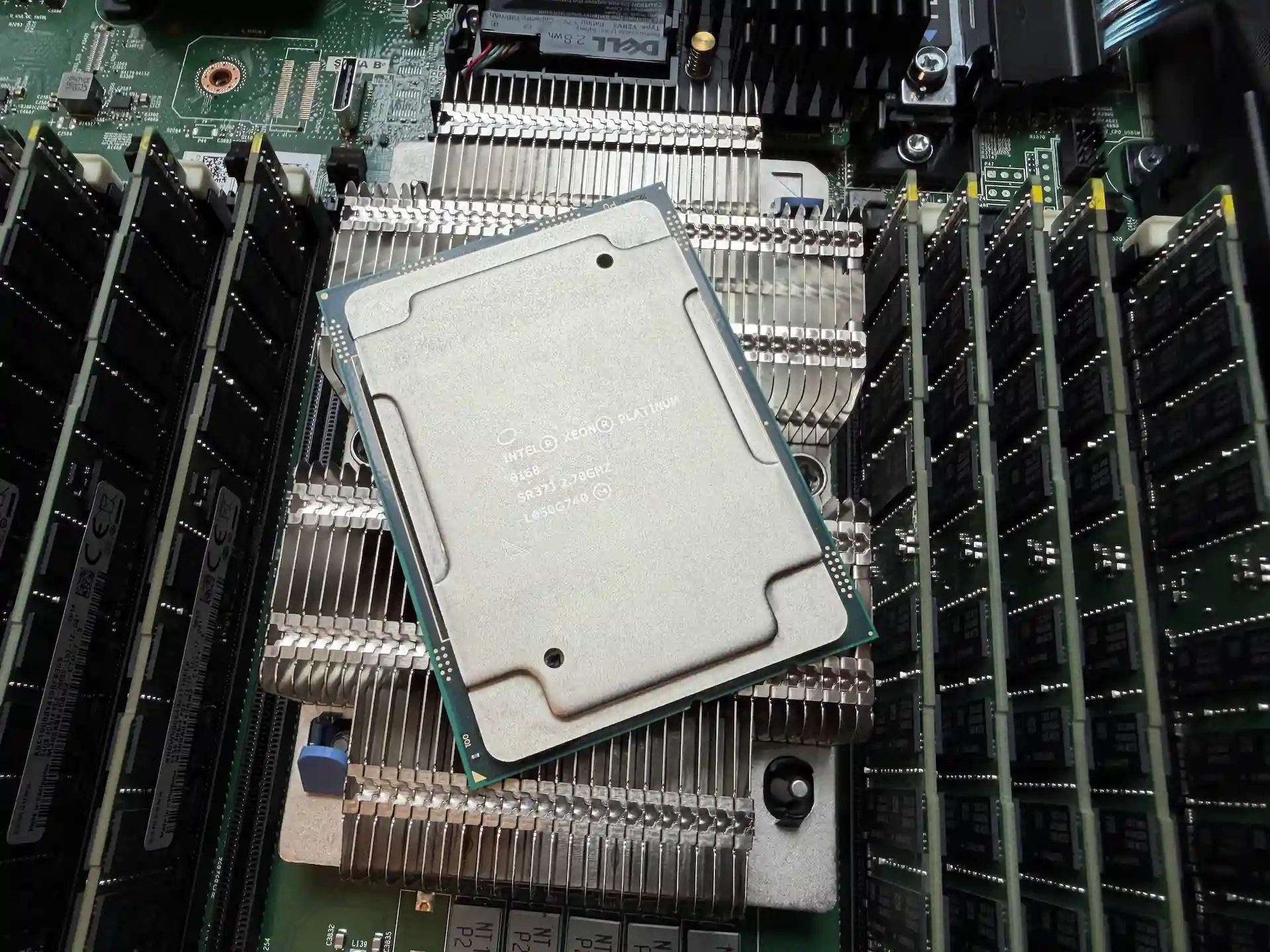
Intel Xeon Platinum 8168 Processors

Leverage the power of Intel Xeon Platinum 8168 processors with our Linux KVM VPS hosting. Our SSD NVMe VPS offerings feature datacenter-quality Intel Xeon Platinum 8168 processors, suited for demanding applications, databases, and high-traffic websites. Enterprise VPS offering reliable performance and exceptional computing power, all at a competitive price.

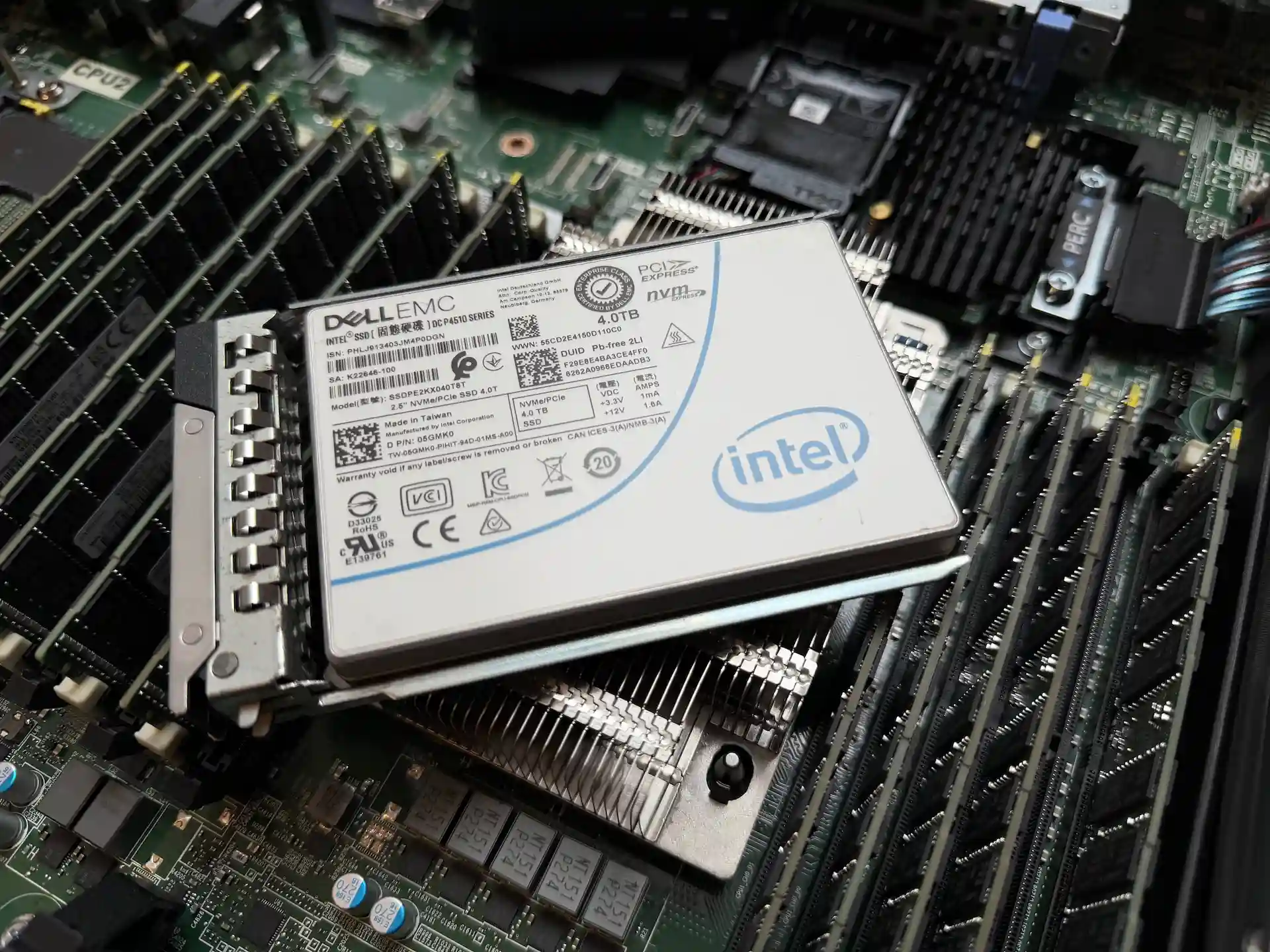
Intel DC P4510 NVMe RAID 10 Storage

Experience exceptional VPS SSD NVMe performance with enterprise-grade Intel DC P4510 SSD NVMe drives configured in RAID 10. Our affordable VPS SSD NVMe combines datacenter-quality SSD NVMe storage with ECC memory and KVM Linux virtualization to deliver reliable, ultra-fast hosting at prices that won't break the bank.

VPS SSD NVMe enterprise features dashboard with ECC memory monitoring and SSD storage management

VPS SSD NVMe Documentation

Guides and tutorials to manage your Intel Xeon VPS

How to Secure Your Linux VPS (2026 Guide)
vpsJuly 24, 2026

How to Secure Your Linux VPS (2026 Guide)

Secure your Winheberg Linux VPS, system updates, SSH key authentication, firewall, and CrowdSec, whatever your distribution.

securitysshcrowdsec
How to Test Your VPS's Bandwidth
vpsJuly 24, 2026

How to Test Your VPS's Bandwidth

Test your Winheberg VPS's bandwidth with Speedtest and iperf3, and learn how to properly interpret your results.

bandwidthspeedtestiperf3
How to Change Your VPS's Root Password
vpsJuly 24, 2026

How to Change Your VPS's Root Password

Change your Winheberg VPS's root password from your client area or via SSH with the passwd command.

passwordsecuritygetting started
How to Secure Your Linux VPS (2026 Guide)
vpsJuly 24, 2026

How to Secure Your Linux VPS (2026 Guide)

Secure your Winheberg Linux VPS, system updates, SSH key authentication, firewall, and CrowdSec, whatever your distribution.

securitysshcrowdsec
How to Test Your VPS's Bandwidth
vpsJuly 24, 2026

How to Test Your VPS's Bandwidth

Test your Winheberg VPS's bandwidth with Speedtest and iperf3, and learn how to properly interpret your results.

bandwidthspeedtestiperf3
How to Change Your VPS's Root Password
vpsJuly 24, 2026

How to Change Your VPS's Root Password

Change your Winheberg VPS's root password from your client area or via SSH with the passwd command.

passwordsecuritygetting started
How to Configure Your VPS's Timezone
vpsJuly 24, 2026

How to Configure Your VPS's Timezone

Configure your Winheberg VPS's timezone with timedatectl or on Alpine Linux, and check NTP synchronization.

timezonetimedatectlntp
How to Check Your Linux VPS's Technical Specs
vpsJuly 24, 2026

How to Check Your Linux VPS's Technical Specs

Discover the essential commands to check your Winheberg Linux VPS's CPU, RAM, storage, and network, whatever your distribution.

linuxcpuram
Which Linux Distribution Should You Choose for Your VPS in 2026?
LinuxJuly 24, 2026

Which Linux Distribution Should You Choose for Your VPS in 2026?

Debian, Ubuntu, AlmaLinux, Rocky, Fedora or Alpine? Our 2026 comparison of the Linux distributions available on our VPS to pick the right one for your project.

DebianUbuntuAlmaLinux
How to Find Your VPS's IPv4 Address
vpsJuly 24, 2026

How to Find Your VPS's IPv4 Address

Find your Winheberg VPS's IPv4 address from your client area or the delivery email received at order time.

ipv4client areagetting started
How to Block an IP Address on Your Linux VPS
vpsJuly 24, 2026

How to Block an IP Address on Your Linux VPS

Block an IP address on your Winheberg VPS with UFW, firewalld, or iptables depending on your distribution, and learn how to identify suspicious IPs.

securityufwfirewalld
How to install a newer kernel on Debian via backports
debianJuly 24, 2026

How to install a newer kernel on Debian via backports

Install a newer Debian kernel from the official backports repositories on your Winheberg VPS, with enabling, installing, checking and rolling back explained step by step.

kernelbackportsvps
How to unblock SMTP ports on your Winheberg VPS
smtpJuly 24, 2026

How to unblock SMTP ports on your Winheberg VPS

SMTP ports are blocked by default on Winheberg VPSes. Learn why, how to check the block and how to request opening them for a legitimate use.

vpsmailports
How to configure an additional IP on your VPS
vpsJuly 23, 2026

How to configure an additional IP on your VPS

Configure an additional IP on your Winheberg VPS, automatic script method or manual setup depending on your distribution.

additional ipnetplannetworkmanager

What our customers say

Thousands of customers trust us to host their servers.

Chargement...

* Some reviews may have been translated or subject to spelling corrections.

Frequently Asked Questions

Find here frequently asked questions about our affordable VPS SSD NVMe.